Calculate and Review FTA Results
Compute the tree probability, identify stale results, and open the summary and cut-set tables.
Calculate probability
- Right-click the top-event gate symbol.
- Select Compute Probabilities....
After a calculation, changing data on a tree element adds a red oval indicator to affected elements. Recompute probabilities to remove the indicator.
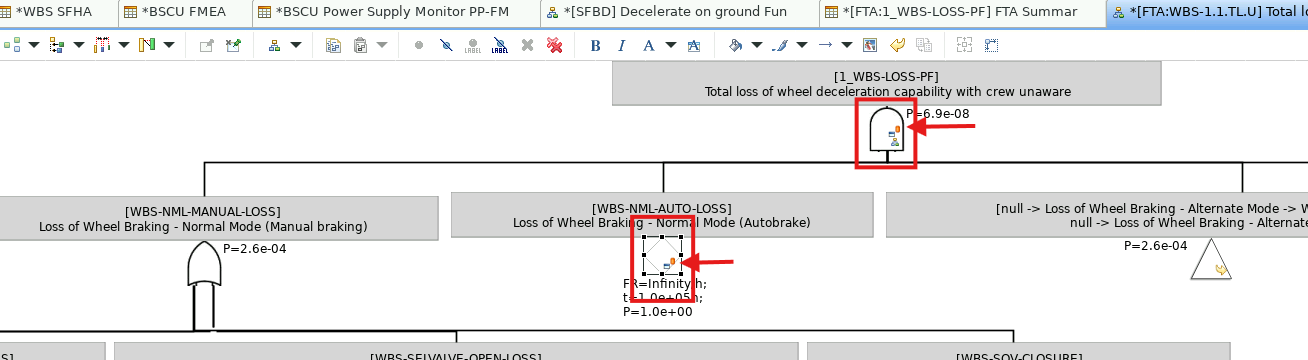
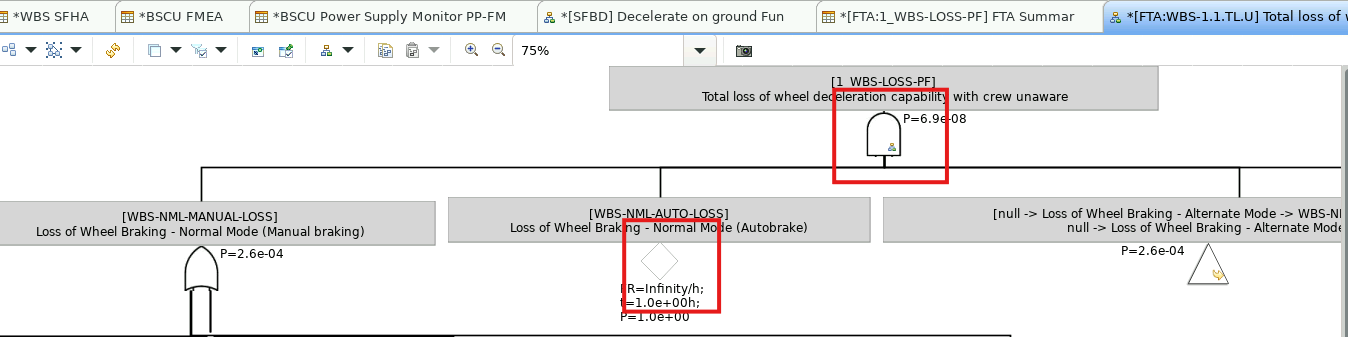
Warning
Changing an exposure-time value does not display the stale-calculation indicator. Recompute probabilities after changing an exposure time even if no indicator appears.
Open the summary table
- In the project tree, right-click the top event.
- Select New Diagram / Table... > FTA Summary Table.
- Select OK.
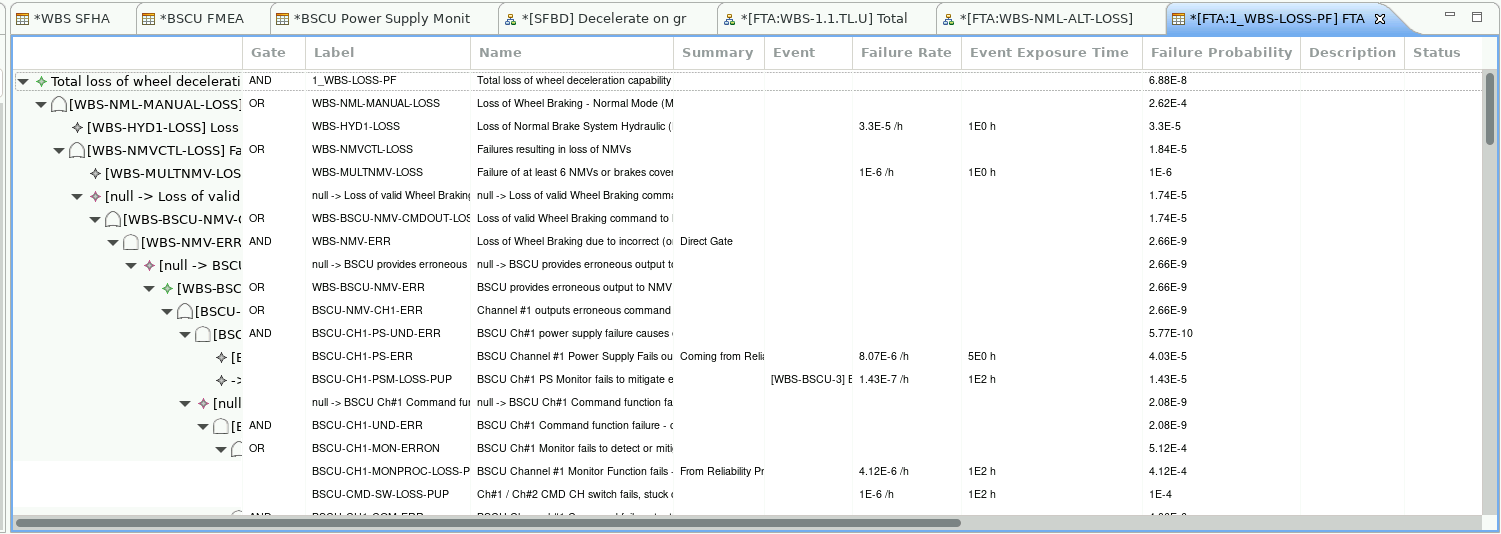
The table supports editing tree data and copying exact probabilities. See the FTA table reference.
Open the cut-set table
- In the project tree, right-click the top event.
- Select New Diagram / Table... > FTA CutSets Table.
- Select OK.
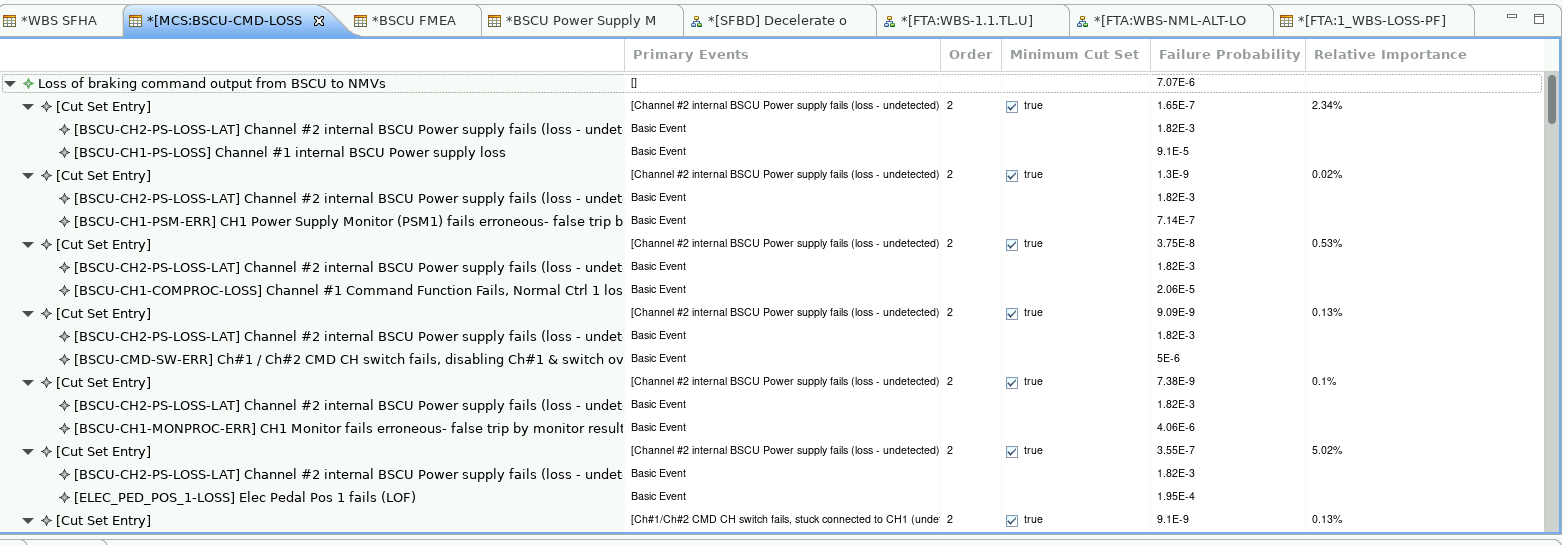
See the FTA table reference for the column meanings.